
Desktop Notifications
Increase the Reach of your Emergency Communications
When major incidents occur, organizations need to get information out fast. SafeZone not only provides notifications to users’ mobiles via Push and SMS but also straight to computer screens as a pop-up, full-screen message.
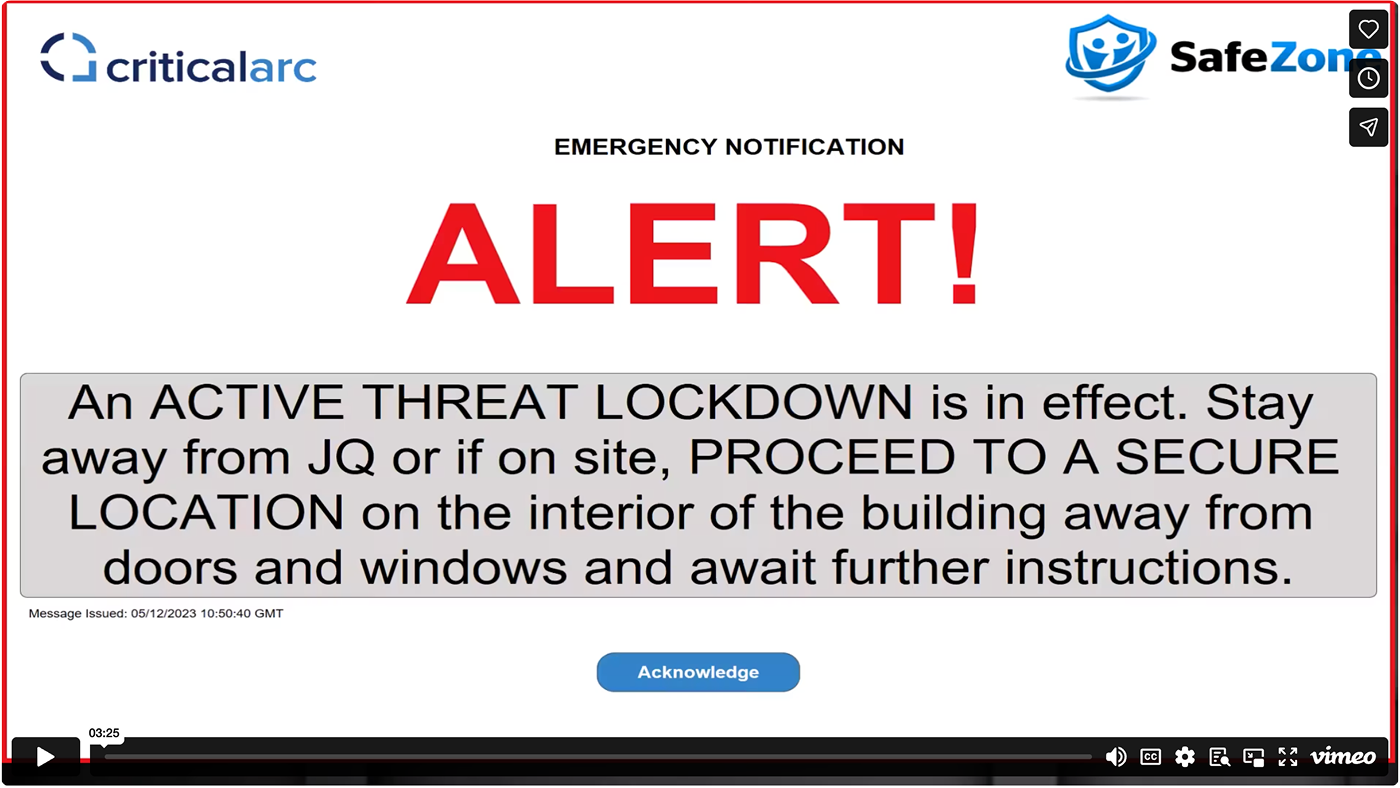


Student and staff wellbeing is always the top priority for our universities and we are pleased to put in place a pioneering cross-city initiative that furthers this shared aim.
Dr Sam Grogan, Pro-Vice Chancellor for Student Experience at University of Salford on behalf of the universities with the Manchester Safezone Alliance group
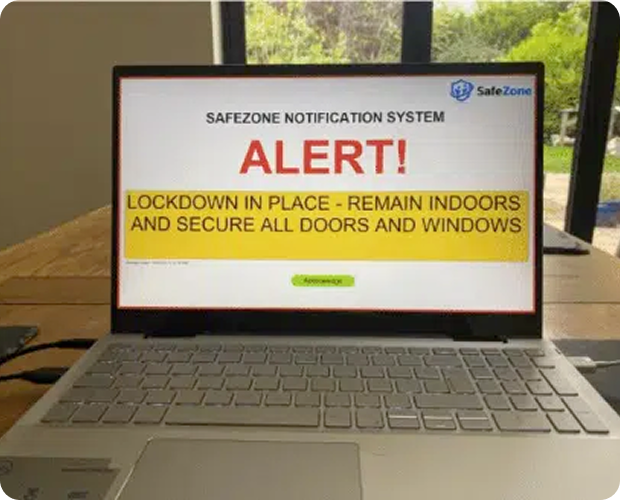
Display Emergency Messages in More Places
- In computer labs
- Reception areas
- Lecture theatre screens
- Monitors and displays in corridors
- Individual users’ laptops and desktops
- On and off-site
Key Features
- Hosted off-site in secure SafeZone infrastructure
- Pre-templated and tied to SafeZone’s other comms media (SMS, Push Notifications and Email)
- System volume override
- Configurable display templates for wider applicability
- Supports both Windows and Mac Operating systems so can be used throughout your estate
- Overrides the lock screen so you can be sure users will see the message
- Audible alert tones to focus people’s attention
- Text-to-speech available to support accessibility
- Rolled up and sent as a larger pre-templated response withSafeZone’s push, email, and SMS notifications for a unified emergency communication management
- Easy installation with desktop management tools supporting unattended installs and auto-configuration
Interested in learning more? Contact your local Customer Support Representative! Or