The Leading Emergency Management Solution
No other public safety solution even comes close

-
Visualise resources in real-time and manage their response
anywhere via PC, tablet or mobile phone -
Solve complex safety and security challenges in distributed and
disparate environments - Optimize resources, mitigate risks and maintain business continuity
- Positively impact the response to any safety and security incident
- Demonstrate immediate value and ROI to strategic stakeholders

What are SafeZones?
SafeZones are the geographic areas your organization is responsible for patrolling and protecting. With SafeZone’s emergency management app, you can quickly and easily define and configure SafeZones. SafeZones can be established on a short-term basis for a special event such as a concert or national sales meeting, or for an indefinite period of time, e.g. if your organization has personnel who work or study abroad.
SafeZone Command
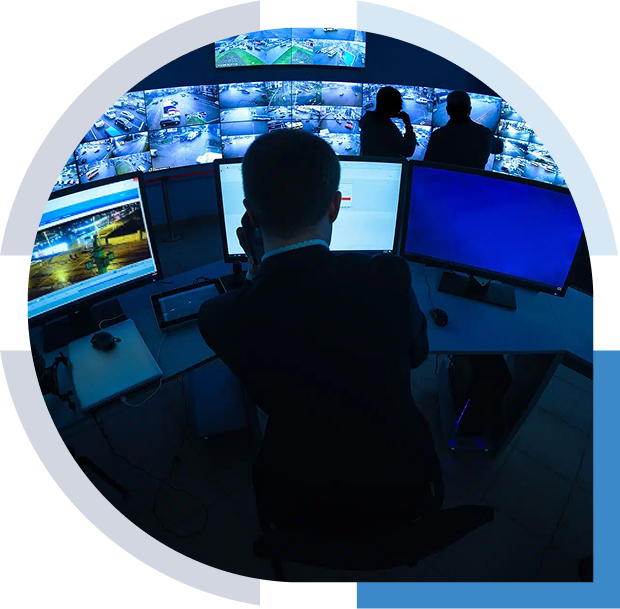
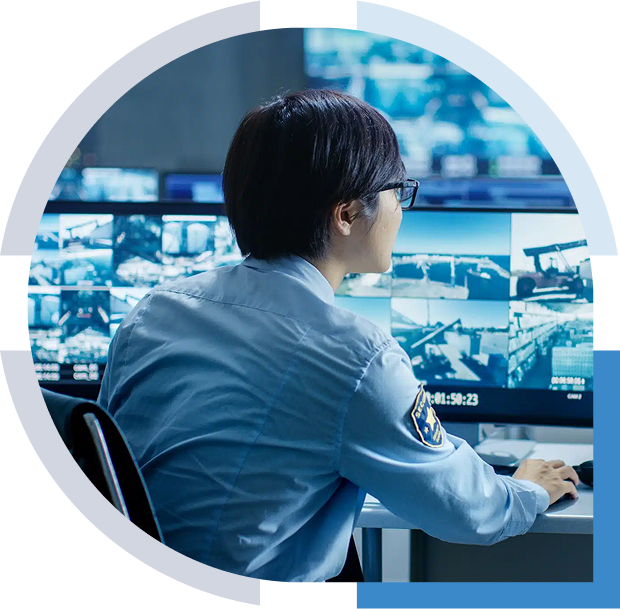
- Complete situational awareness of the location and availability of all resources by role
- Heat maps so you can validate patrolled areas and optimize coverage
- Optimize resources, mitigate risks and maintain business continuity
- Incident replay for feedback on how your team responded to drills and incidents, plus regulatory compliance
- Integration with third party alarms and platforms

OmniGuard
SafeZone’s full command and control software extends into the field, where all safety and security teams can immediately visualize their location and availability relative to their colleagues in real-time, as well as any incidents that are reported. It’s having a command center view in your hand. This situational awareness enables your team to respond swiftly and mitigate the severity of incidents.
Personal Alarms
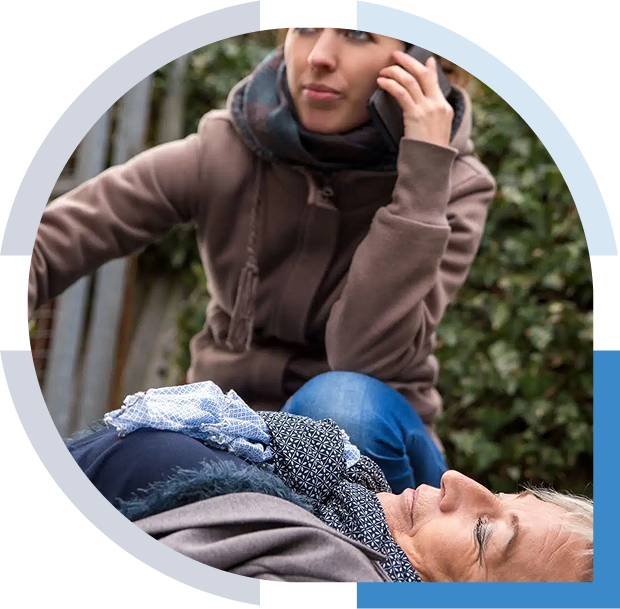
When you purchase SafeZone, all of your users have access to the SafeZone app, a public safety app that enables end users to call for emergency assistance, first aid or help with just a swipe on their phone. Wearable alert devices are also available to enable users to discreetly raise an alert. The alert is delivered to all responders within seconds, along with the live location and the identity of the user who raised the alarm. The SafeZone app is programmed to dial local emergency services worldwide, so whether your users are in Italy, Korea, or back home, they are automatically connected to the appropriate emergency service.
Note: Users’ location is only shared when they raise an alert or Check-In.

Mental Health & Wellbeing
The range of services needed for mental health and wellbeing is varied. Accounting for so many unique circumstances, which require different levels of support and have different hours of availability, is challenging to present in a succinct manner, especially considering those seeking assistance may be in crisis.
The Wellbeing feature directs the individual to the best resource available (website, phone number, counselor, triage page). Importantly, the information presented can be tailored based on a combination of WHO presses the button, WHERE the user is when the button is pressed and WHEN they press it. This enables each organization to help get the individual the specific type of help they need, based on time of day, day of week, nature of assistance needed etc.

Check-In
When an individual is working alone or feels vulnerable, they can check in on their mobile phone or PC desktop using the SafeZone app. If they don’t clear the check-in timer, an alarm will trigger. This feature is ideal for lone workers, students and staff walking late at night, and evacuating those with PEEPs. It also supports location-based auto check-in and check-out and has a man down option for lone workers in high-risk situations. Individuals can also check-in to indicate they’re available to assist.
Mass Notification
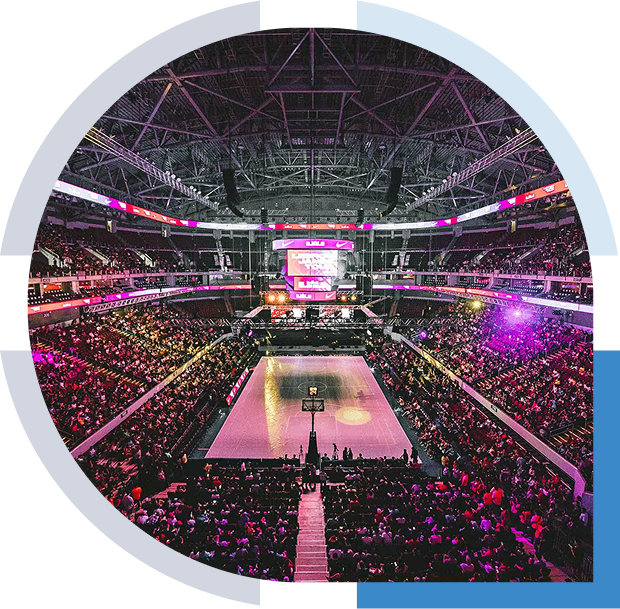
Gain the ability to swiftly and reliably send alerts to staff and students via their mobile phones, for critical situations like severe weather, criminal activity, fires, and other public safety threats. SafeZone enables you to send mass notifications directly to those who need it. By using a highly scalable and enterprise-class network architecture, SafeZone enables you to deliver over 1,000 messages per second to your organization or select groups by function and location. SafeZone is all about getting the right information to the right people at the right time.
Analytics & Reporting
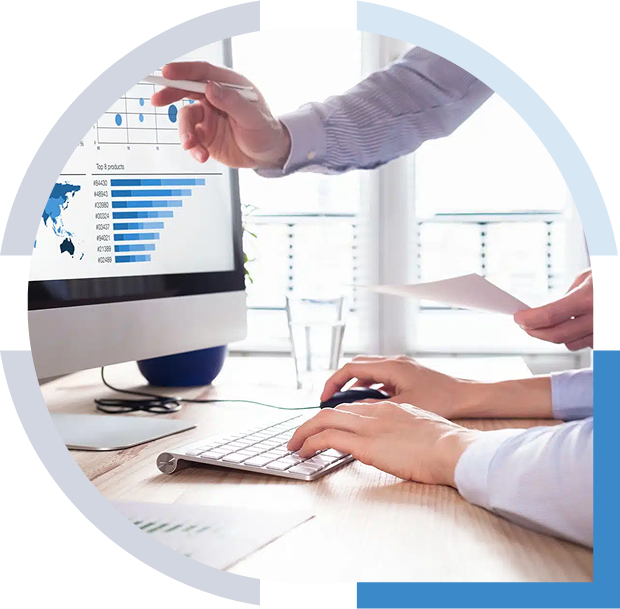
SafeZone provides you with unprecedented insights to analyze and optimize your operations, enabling you to monitor patrol patterns and make adjustments for optimal coverage. SafeZone’s incident replay provides you with the unique ability to playback any incident to reveal the location and availability of each resource at each moment for immediate feedback/learning. In addition, SafeZone’s reporting functions integrate to incident management systems to help with risk mitigation strategies and regulatory compliance.

Indoor Positioning
With SafeZone’s indoor positioning solution, your command center and security team will have a 3D view of incidents. When you deploy indoor positioning in a building, your safety and security teams will know what floor, what wing and what room to go to when responding. The granular information enables fast response to positively affect the outcome of a given incident. This next-generation technology is revolutionizing public safety. In addition, the process to get Indoor Positioning deployed is a quick and simple wireless installation.
Live Vehicle & Shuttle Tracking
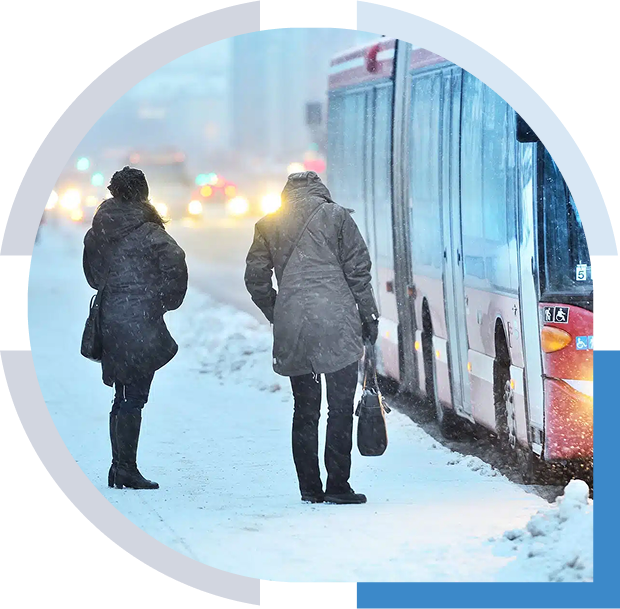
One of the key differentiators of SafeZone vs. mass notification or public safety apps is the ongoing value that customers derive from the service. A great example is live vehicle and shuttle tracking. If you run shuttle buses as part of your employee safety program, you can offer a live feed of all shuttle bus locations to riders via the SafeZone app. This means employees and students can wait for the bus to arrive and avoid waiting alone, in the dark or in bad weather. Organizations can use this same service to help with VIP protection services.
Wearable & Desktop Alarms
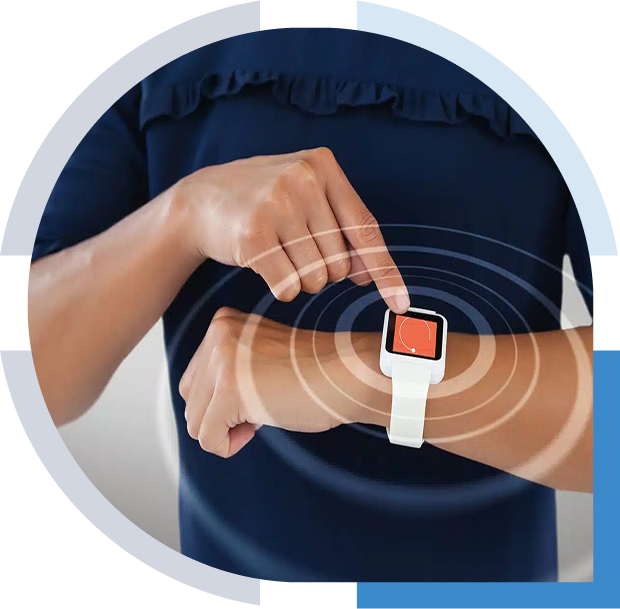
One of the principle drivers for SafeZone is the excessive capital costs and inflexible nature of fixed premise-based alarm technology. SafeZone offers two affordable and flexible options for wearable alert devices: 1) A V.ALRT wireless duress button 2) Apple Watch. Both enable users to discreetly raise an alert while providing your team with the location and identity of the person in duress. Employees can also use a PC Desktop app to raise or receive alerts; ideal for lone workers in labs or working late at night.
Two-Way Messaging & Group Chat
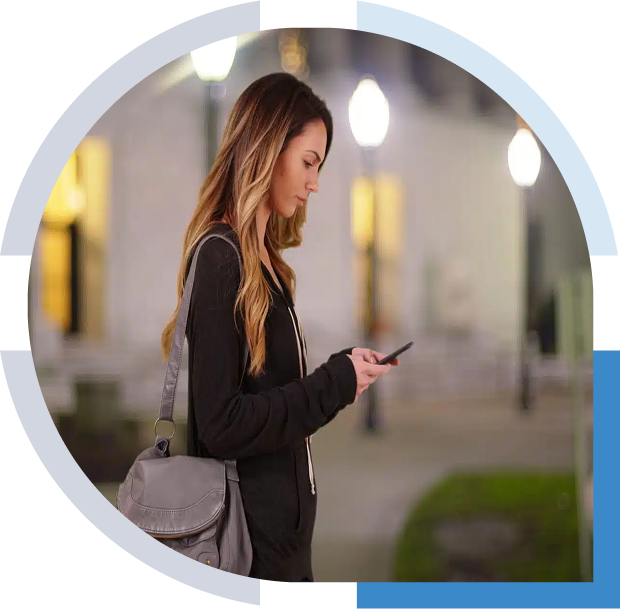
The SafeZone emergency management app allows discrete two-way communications via text messaging when users raise an alert. This functionality is essential when a user is at risk and needs to remain quiet, as well as for those with hearing or speech difficulties. With SafeZone’s Group Chat feature, when a user raises an alert, communication between the user, control room and responders appears in a chat window, which improves response coordination and keeps users better informed.